Website accessibility is one of the most important—and most misunderstood—parts of running a business website. Business owners want to do the right thing, make their websites usable for everyone, and avoid becoming the target of an expensive legal dispute. Unfortunately, there’s no single button, score, or certificate that makes those concerns disappear.
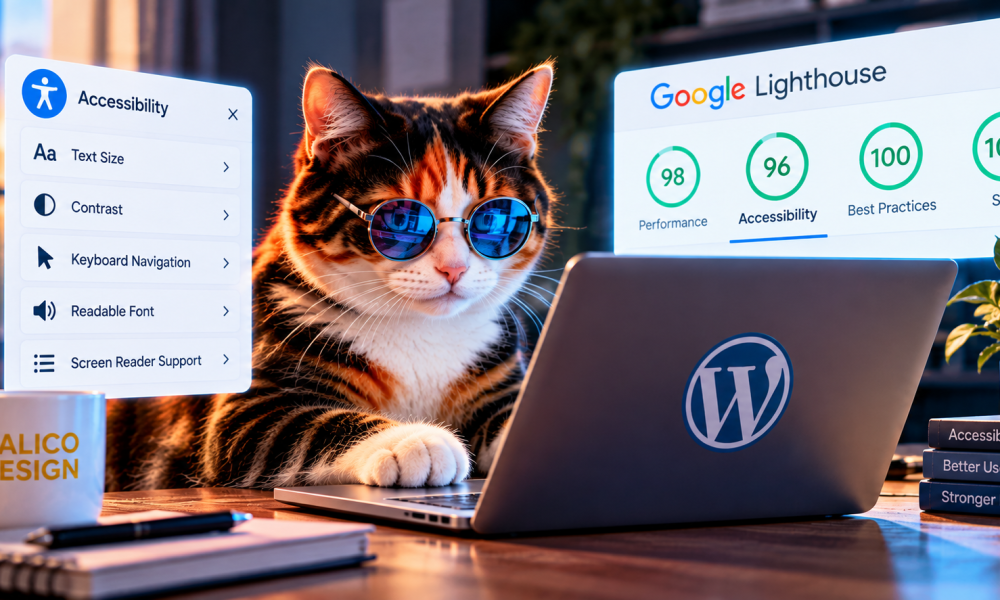
At Calico Design, accessibility has long been part of how I build websites. I follow Google’s accessibility-related best practices and regularly keep the websites I build scoring in the high 90s on Google Lighthouse accessibility audits. That work matters. But I also want clients to understand what those scores mean, what they don’t mean, and why we’ve added accessibility software to our hosting plans.
What Is Website Accessibility?
An accessible website is designed so people with disabilities can navigate, understand, and use it effectively. That includes visitors using screen readers, keyboard-only navigation, assistive technology, or adjustments to text size and contrast. Accessibility also matters for people with motor, hearing, cognitive, and visual disabilities.
In practical terms, good accessibility involves readable text, logical page structure, meaningful image descriptions, accessible forms, clear navigation, and interfaces that work without a mouse. It isn’t just a legal consideration. It’s part of making a better website for your customers.
What Does a Google Accessibility Score Actually Tell You?
Google Lighthouse is a useful automated auditing tool. It can identify many technical issues and help developers improve the accessibility of a website. When a site consistently scores in the high 90s, that’s a positive sign that many of the automated checks are being addressed.
But a Lighthouse score is not an ADA compliance certificate. Automated tests cannot evaluate every real-world experience. For example, they may not fully determine whether an interactive feature makes sense to a screen-reader user, whether keyboard focus behaves logically through a complex workflow, or whether instructions are genuinely understandable.
That’s why I treat automated scores as one measurement—not the finish line. Good accessibility also calls for manual review, appropriate testing, and continued attention as a website changes.
Is There an Official ADA Compliance Certification for Websites?
One of the biggest sources of confusion is the idea that a website can simply earn an official ADA-approved stamp and be permanently protected from legal action.
There is no universal federal ADA website certification or government-issued seal that guarantees a business website is compliant and immune from lawsuits. The lack of such a certificate does not mean there are no accessibility standards or legal requirements, however.
The Web Content Accessibility Guidelines (WCAG) provide widely recognized technical criteria for accessible digital content. The U.S. Department of Justice has also published guidance on web accessibility under the ADA. Requirements differ by organization and applicable law; for example, specific federal rules address certain state and local government websites and mobile apps.
For private businesses, the legal analysis can depend on the facts, jurisdiction, and the accessibility barriers involved. Meeting recognized standards and documenting accessibility work can be valuable, but no third-party badge can guarantee a lawsuit will never be filed.
The Difficult Reality: Accessibility Lawsuits and Small Businesses
This is the part that concerns me most as someone who works with small and midsize businesses.
Website accessibility claims can lead to demand letters, legal expenses, and settlement pressure. Even a business that genuinely wants to provide an accessible experience may face uncertainty about what changes are necessary or how a particular claim will be evaluated.
Some business owners feel pressured to settle rather than spend the time and money defending a case. That financial burden can be significant for a smaller operation. At the same time, it’s important to recognize that people with disabilities can encounter real barriers online and have legitimate reasons to seek access.
My position is that businesses should take accessibility seriously without being sold the false promise that one tool or one audit makes them lawsuit-proof.
What Can a Business Owner Actually Do?
Rather than chasing an imaginary certification, I recommend a practical, layered approach: build accessibly, test the website, address known barriers, and keep improving it over time.
- Start with an accessible foundation. Use semantic headings, appropriate contrast, meaningful alt text, accessible forms, and navigation that works with a keyboard.
- Run automated audits. Tools like Google Lighthouse help flag issues and track improvements, but they shouldn’t be the only test.
- Review real interactions. Check menus, forms, booking flows, popups, and other important tasks with keyboard navigation and assistive technology where possible.
- Fix problems in the website itself. When a barrier exists in the code, design, or content, correct the underlying issue instead of relying only on a visual overlay.
- Document your efforts. Keep records of audits, fixes, reviews, and updates. Documentation shows what you’ve actually done; it is not a legal shield.
- Maintain accessibility as the site changes. New content, plugins, and design updates can introduce new barriers.
What Is the Accessibility Widget in the Corner of a Website?
You’ve probably seen it: a small icon, often showing a person with outstretched arms, tucked into the corner of a website. Clicking it opens an accessibility menu.
Depending on the software, visitors may be able to increase text size, change contrast or colors, adjust spacing, reduce motion, or use other reading and navigation preferences. Some accessibility platforms also offer automated scanning, monitoring, and suggestions for fixing issues.
These tools can provide useful options for visitors and help website owners identify problems. But a widget cannot automatically make every website accessible or guarantee ADA compliance. It also cannot replace fixing inaccessible forms, broken keyboard navigation, or other underlying barriers.
I see accessibility software as an additional layer of support—not a substitute for thoughtful website development.
Why Calico Design Now Includes Accessibility Software With Hosting
Because accessibility is an ongoing responsibility, I’ve made accessibility software part of all Calico Design hosting plans.
The goal is straightforward: give our clients another tool to support visitors, identify potential issues, and keep accessibility in view as their websites evolve. This builds on the accessibility-conscious development practices we already follow rather than replacing them.
For the businesses I work with, I believe a layered approach makes more sense than relying on a one-time audit or a promise of instant compliance. An accessible foundation, ongoing review, thoughtful fixes, and supporting software work better together.
Can Accessibility Software Prevent an ADA Lawsuit?
No software can promise that. A lawsuit can be filed even when a business has invested in accessibility, and an accessibility widget by itself is not proof that all barriers have been removed.
Proactive accessibility work may help reduce actual barriers and demonstrate a good-faith commitment to improvement. Whether those efforts affect legal exposure in a specific situation is a question for qualified legal counsel, not something a developer or software vendor can guarantee.
I’d rather give clients a realistic plan than a false sense of security.
Accessibility Is an Ongoing Commitment
At Calico Design, I want the websites we build to perform well, look great, and be usable by as many people as possible. High Lighthouse accessibility scores are one part of that commitment. Adding accessibility software to our hosting plans is another.
There is no universal ADA website approval stamp that ends the conversation. But there are recognized standards, practical testing methods, and meaningful improvements every business can make.
If you’re concerned about your website’s accessibility, contact Calico Design. We can review your current website, explain the tools and practices we use, and help you plan sensible next steps.
This article provides general website accessibility information, not legal advice. Businesses should consult qualified counsel about their specific ADA obligations and legal risks.